
On-device rules
On-device rules run simple logic directly on Sentinel, without waiting for the server and without a network: if temperature t1 ≥ 30 °C for 10 seconds, turn on fan o1, send an event, and write text on the LCD. Rules are declarative (fully validated JSON), not scripts.
Sending rules
Section titled “Sending rules”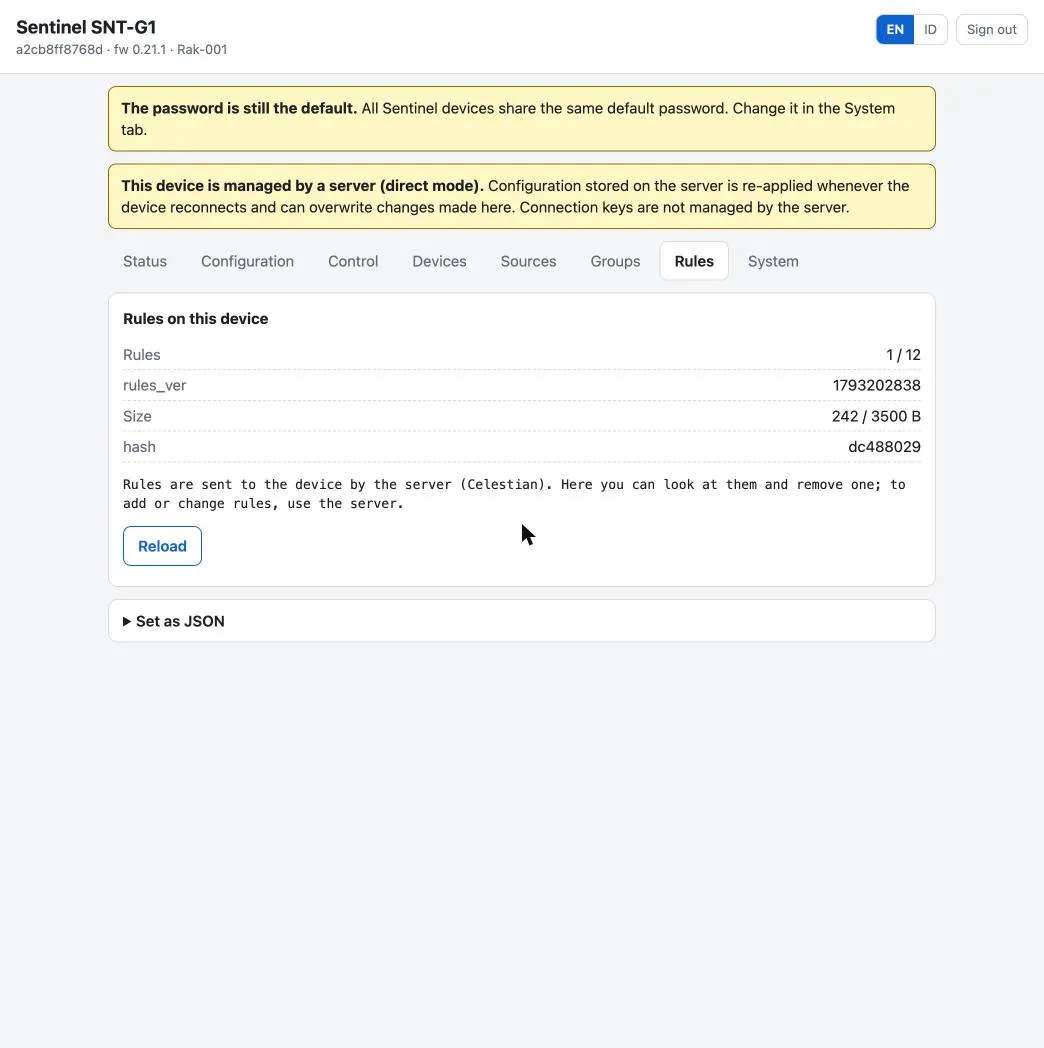
| Topic | m/<workspace>/c/<channel>/<mac>/rules (from the server) or sentinel/<mac>/rules (rack LAN) |
| Payload | {"rules_ver": <integer>, "rules": [ … ]} |
| Semantics | replaces the whole set. Rules absent from the message are deleted; "rules": [] deletes all |
| QoS / retain | 1 / yes |
| Report | …/rules/reported (retained): rules_ver, count, hash, bytes, rejected, limits |
From a terminal:
python3 Tools/celestianctl.py rules <mac> --file Tools/rules-contoh.jsonpython3 Tools/celestianctl.py rules <mac> --clearpython3 Tools/celestianctl.py rules <mac> --get # download the effective set + compare hashA faulty rule is rejected on its own with the reason in rejected; other rules keep running. Status on the server: in sync if rules_ver is equal and rejected is empty.
Rule shape
Section titled “Rule shape”{ "id": "kipas_rak", "en": true, "if": {"all": [ {"src": "t1", "op": ">=", "v": 30, "hyst": 2}, {"src": "d1", "op": "==", "v": false} ]}, "for_s": 20, "cooldown_s": 60, "then": [ {"do": "out", "o": "o1", "state": "follow"}, {"do": "event", "val": "t1"}, {"do": "lcd", "text": "KIPAS ON T1={t1}"} ], "else": [{"do": "event"}]}| Field | Required | Meaning |
|---|---|---|
id |
yes | lowercase letters, digits, _; starts with a letter; max. 12; unique. Used in the metric rule_<id> |
en |
no (true) |
false = stored but not evaluated |
if |
yes | exactly one key: all (all clauses true) or any (one of them), containing 1–4 clauses |
for_s |
no (0) |
0 … 3600. The condition must stay true this long before the rule becomes active |
cooldown_s |
no (0) |
0 … 86400. After the rule becomes inactive it may not become active again for this long (e.g. to protect a compressor) |
then |
yes | actions when the rule becomes active |
else |
no | actions when the rule becomes inactive |
Clauses
Section titled “Clauses”{"src": <source>, "op": <operator>, "v": <value>, "hyst": <hysteresis>}
Source src |
Type | Notes |
|---|---|---|
t1…t4 |
number °C | already includes tN_offset_c; unavailable if the slot is empty/off/sensor missing |
temp_ambient, humidity |
number | SHT41 |
voltage, current, power_draw |
number | PZEM-004T |
d1…d4 |
boolean | active after the dN_active polarity |
| Modbus source metric name | number or boolean | e.g. rak1_power; see below |
rule.<id>, o1…o4, alarm_level, f1…f4 |
status sources (below) |
Sources are referenced by slot ID (t1, d1), not tN_name, because names can be changed.
| Source type | Operators | v |
hyst |
|---|---|---|---|
| number | > >= < <= == != |
number | 0 … 1000; only for > >= < <= |
| boolean | == != |
true / false |
not allowed |
Hysteresis: a > / >= clause becomes true when the value satisfies it and returns to false when the value is < v − hyst; a < / <= clause returns to false when the value is > v + hyst. For == on numbers, exact float comparison is rarely useful; use a range with two clauses.
Evaluation
Section titled “Evaluation”Rules are evaluated continuously (temperature and power update every 2 seconds, digital inputs immediately after debounce).
- Each clause is computed (with hysteresis). A clause whose source is unavailable keeps its previous result (initially
false). all/anyproduce a true or false condition.- A true condition starts the
for_scount; a false one cancels it. - The count finishes and
cooldown_shas passed: the rule becomes active, and thethenactions run. - An active rule whose condition becomes false: the rule becomes inactive immediately (no delay), the
elseactions run, andcooldown_sstarts.
Actions
Section titled “Actions”| Action | Shape | Behavior |
|---|---|---|
event |
{"do":"event","val":"t1"} |
emits an event on the boolean metric rule_<id>: true in then, false in else. With val, rule_<id>_value is attached. Recommended pattern: event in then and else, so the server sees start and end |
out |
{"do":"out","o":"o1","state":true|false|"follow","s":30} |
follow (only in then): ON while the rule is active, turns OFF automatically when it becomes inactive. s (1…86400): turns OFF by itself after that many seconds (a pulse, or a safety) |
lcd |
{"do":"lcd","text":"KIPAS ON T1={t1}"} |
only in then; the text appears on the Summary’s bottom line while the rule is active. Max. 40 characters; text over 20 characters scrolls; {<numeric source>} placeholders are replaced by the value (one decimal), max. 2 per text |
flag |
{"do":"flag","f":"f1","state":true} |
raises or lowers a flag (see below) |
Output rules:
- Only one
followrule may control an output. A secondfollowrule for the same output is rejected. For “fan on ift1ort2is high”, use a single rule withany. - Manual commands (
cmd output, serialout) keep working and win until that output’s next rule transition. - A disabled slot (
oN_en=false): the action is skipped; PCF8574 not answering: the action is deferred and retried while the rule is still in that phase. - Maintenance mode only silences the buzzer; rules keep running.
Telemetry carries rule_<id> (active status, boolean) for every rule with en: true, so the server knows the state even if an event was missed. The rule_ prefix is reserved; slot names may not use it.
Expressions, status sources, flags, and schedules
Section titled “Expressions, status sources, flags, and schedules”These features exist since firmware 0.16.0 and are reported in rules/reported.limits.features (expr, ref, flag, win).
Expressions. A numeric clause may use expr instead of src:
{"expr": "t1 - t2", "op": ">", "v": 5, "hyst": 1}Operators + - * /, parentheses, and functions abs (1 argument), min, max, avg (2 to 4 arguments). Limits: 48 characters, 12 nodes, parenthesis depth 4. Division by zero yields “unavailable”. An event action may use a "val" expression.
Status sources. rule.<id> (active status of another rule), o1…o4 (actual output state), alarm_level (0, 1, 2), and f1…f4. Rules that depend on another rule, output, or flag form a graph that must be acyclic; rules in a cycle are rejected (siklus: a -> b -> a). Max. 4 distinct rule.<id> per rule.
Flags. f1…f4, volatile booleans (false at boot and when the set is replaced), changed by the flag action. Telemetry carries flag_f1…. Good for latching: an alarm held until a reset button is pressed.
Schedules. A time window clause:
{"win": {"from": "08:00", "to": "17:00", "days": "1-5"}}Local time (uses tz_offset_min, no DST); from inclusive, to exclusive; the window may cross midnight; days optional, 1 = Monday … 7 = Sunday ("1-5", "1,3,5-7"). If the clock is not synchronized, the clause keeps its previous result.
{"rules_ver": 9, "rules": [ {"id": "pompa", "if": {"all": [{"src": "t1", "op": ">=", "v": 60, "hyst": 3}]}, "then": [{"do": "out", "o": "o1", "state": "follow"}, {"do": "event"}], "else": [{"do": "event"}]}, {"id": "katup", "if": {"all": [{"src": "rule.pompa", "op": "==", "v": true}]}, "for_s": 30, "then": [{"do": "out", "o": "o2", "state": "follow"}]}]}{"rules_ver": 10, "rules": [ {"id": "tahan", "if": {"all": [{"src": "t1", "op": ">=", "v": 80}]}, "then": [{"do": "flag", "f": "f1", "state": true}]}, {"id": "reset", "if": {"all": [{"src": "d2", "op": "==", "v": true}]}, "then": [{"do": "flag", "f": "f1", "state": false}]}, {"id": "sirene", "if": {"all": [{"src": "f1", "op": "==", "v": true}]}, "then": [{"do": "out", "o": "o3", "state": "follow"}, {"do": "lcd", "text": "TAHAN T1={t1}"}]}]}{"rules_ver": 11, "rules": [ {"id": "selisih", "if": {"all": [ {"expr": "abs(t1 - t2)", "op": ">", "v": 5, "hyst": 1}, {"win": {"from": "08:00", "to": "17:00", "days": "1-5"}}]}, "for_s": 60, "then": [{"do": "event", "val": "t1 - t2"}], "else": [{"do": "event"}]}]}Rules on Modbus metrics
Section titled “Rules on Modbus metrics”A src clause may be the metric name of a Modbus source (e.g. rak1_power); the kind (number or boolean) is determined from v. A rule that references a metric that does not exist yet is loaded as dormant (never active, not rejected) and reported in rules/reported.dormant; it is evaluated once its source appears. This way the order of sending sources and rules does not matter. Max. 32 distinct source metric names per rules set. Built-in alarms (alarm_*, buzzer) are only for built-in metrics; alarms for Modbus meters are made with rules.
Limits
Section titled “Limits”| Limit | Value |
|---|---|
| Number of rules | 12 |
rules message size |
3500 bytes (usually the binding limit: about 8 of the longest rules, or 12 typical ones) |
| Conditions per rule / actions per phase | 4 / 4 |
id length |
12 characters |
| Flags | 4 |
Applying with confirmation (confirm_s)
Section titled “Applying with confirmation (confirm_s)”Add "confirm_s": N (30 … 3600) to the rules message. The set runs temporarily and only in RAM; cmd rules_confirm with that set’s hash makes it permanent. Without confirmation within N seconds, the node returns to the confirmed set by itself (active rules are closed, closing events are sent). Only send confirm_s to nodes that report limits.confirm_s_min.
| Matter | Behavior |
|---|---|
| A message whose hash equals the pending or running set | no effect (the window does not restart) |
| Reboot while pending | the pending set is lost; the node boots with the confirmed set (not a cancellation) |
| A cancelled set | rejected if sent again with the same bytes (set dibatalkan sebelumnya) |
rules_rollback while pending |
explicit cancellation |
| Report | confirm_s, pending_confirm_s, confirmed_hash, rolled_back_hash, rolled_back_reason (unconfirmed, cancelled, superseded) |
python3 Tools/celestianctl.py rules <mac> --file rules.json --confirm-s 120python3 Tools/celestianctl.py rules <mac> --confirm 8a3030f6Downloading and rolling back
Section titled “Downloading and rolling back”cmd get_rulesreplies with the set content verbatim on…/rules/current(not retained), and a summary incmd/result. Thehashin the report is the CRC-32 of the effective message bytes.cmd rules_rollbackloads the previous set from the A/B storage (back and forth). The node receives the old retained message again when it reconnects, so the server must also replace the set it wants.